

Low vision
Set the type where you can read it, and hear it at the same time
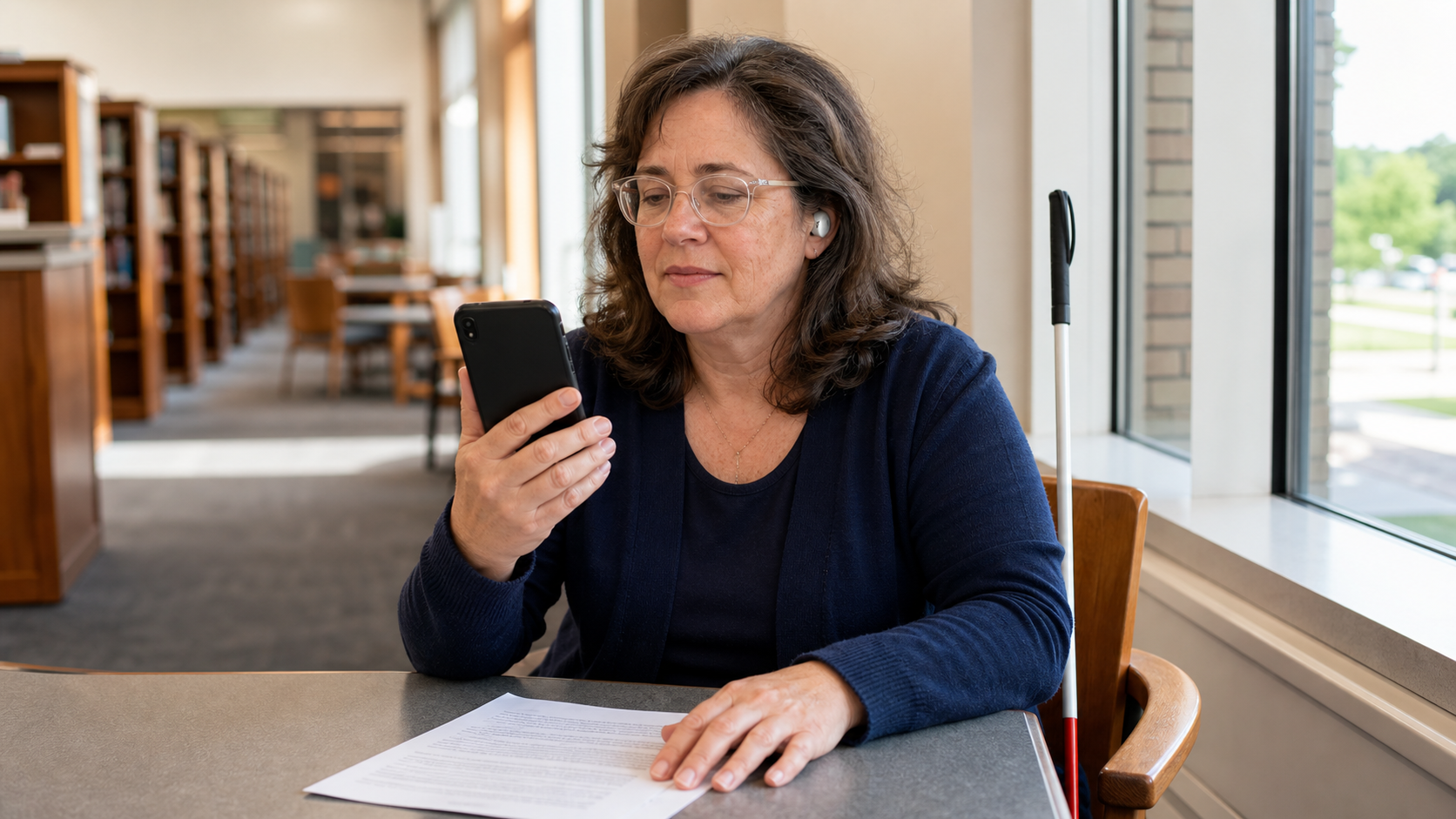
Local TTS reads documents you bring to it — a PDF, an e-book, a letter you photographed — with the text shown at the font and size you choose and the spoken word highlighted as it goes. It is not a screen reader: for the interface itself, iOS VoiceOver is the tool. This is for the reading you sit down to do.
Updated Official app facts
How Local TTS helps
Your font, your text size
The reading view has Aa options for typeface and size, so a page can be set where you can actually read it. The highlight follows the voice through the text at whatever size you picked.
Point the camera at print
On-device OCR turns a printed page, a letter, or a leaflet into text the app reads aloud. It happens on the iPhone, so a medical letter or a contract is not uploaded anywhere in order to be read to you.
Listen without watching the screen
Background playback and lock-screen controls mean a document keeps reading with the screen off. Once it has started, nothing needs looking at.
Keep reading
- iPhone PDF Read-Along: Word Highlighting, Auto Page TurnMost apps tell you they read PDFs aloud. Almost none show you what playback looks like. Here is the unedited clip, frame by frame: two highlight layers, a page that turns itself, and no network.
- How to Read a PDF Aloud Offline on iPhoneLearn how to have your iPhone read a PDF aloud without internet. Keep documents on-device and continue listening from the Lock Screen.
- The Best Text-to-Speech Apps for iPhone in 2026: Offline, Free, and Paid ComparedCompare the best text-to-speech apps for iPhone in 2026. See how Local TTS, Speechify, NaturalReader, and the built-in Speak Screen differ in offline support, privacy, free plans, and price.
Turn every screen into your personal narrator
Free to download. No ads, no account — 100% offline.